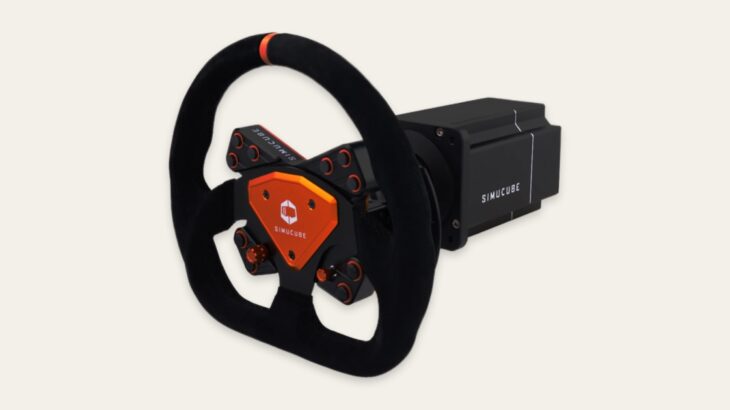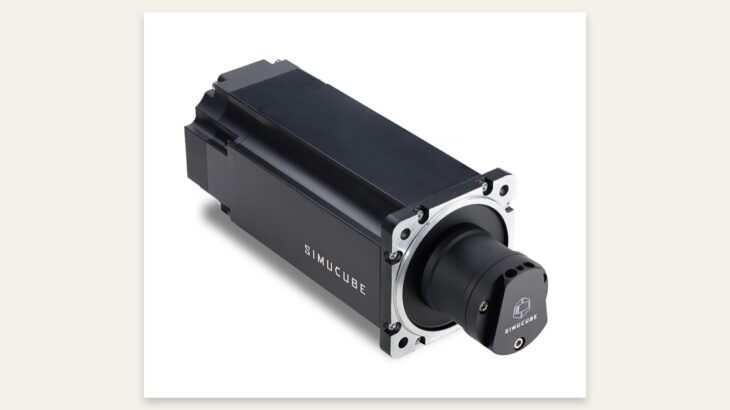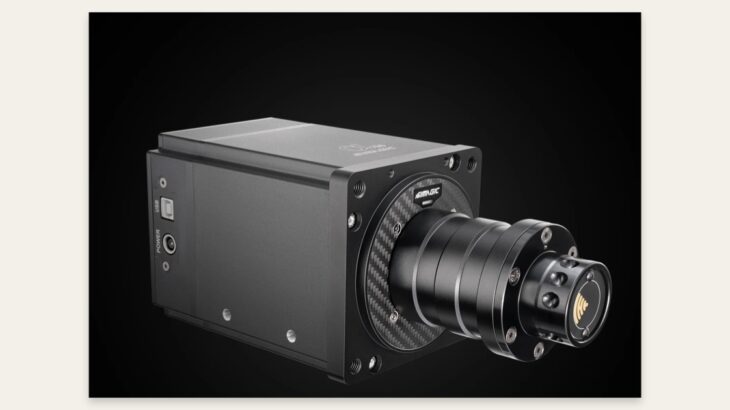
The Simagic Alpha series is PC sim-racing hardware for dialing force feedback (FFB) into your own preferences, rather than a consumer wheel that is complete as soon as you select a setting. In actual driving, I could pick up fine detail from the road surface and tires, but the impression changed substantially depending on the quality of the profile and the in-game settings. When considering the Alpha and Alpha Mini, you should look beyond the headline peak-torque figure and decide how much tuning you want to do yourself.
- 1. My verdict in 30 seconds
- 2. How to think about the difference between the Alpha and Alpha Mini
- 3. What felt distinctly Simagic in actual driving
- 4. Start by organizing information, not chasing strength
- 5. Strengths and points to note
- 6. Who it suits—and who it does not
- 7. Final verdict
- 8. Evidence videos
- 9. Read next
My verdict in 30 seconds
Simagic's strength is not just force. It makes it easier to separate and feel the initial response as you turn the wheel, the way the tires take on load, and the fine inputs coming through the road surface, so it is easier to build distinct feel for different cars. In an environment such as the Assetto Corsa series, where you can deeply tune both vehicle behavior and hardware settings, that freedom becomes a direct advantage.
On the other hand, if you want to choose a preset once and never touch anything again, the sheer number of adjustment options can become a burden. Public profiles also vary in quality, and someone else's settings will not necessarily suit your rig, rim, or car. Being able to tune it is Simagic's value; it is not a product that is always correct without tuning.
To broaden your options, also see my Assetto Corsa EVO review: tire model, GT7 comparison, and PS5 version potential and Logitech G RS50 official specifications guide: 8 N·m, PS5, and PC compatibility.
How to think about the difference between the Alpha and Alpha Mini
The Alpha Mini is the choice that prioritizes a balance of manageable size and output for a home rig. If you do not need excessively strong FFB and mainly drive GT cars and road cars, it is sensible to first consider whether the Mini will leave you wanting for anything. The Alpha becomes more worth considering when you want to express peaks while retaining headroom, or when you use a heavy steering wheel or a large-diameter rim.
The important point is not using maximum output all the time. Headroom at the base lets it deliver normal cornering loads without strain while making peaks from curbs and sudden countersteer less likely to be compressed. But increasing the strength does not automatically make it more realistic. If the balance between in-game FFB and base output is off, fine information gets buried under steering weight.
What felt distinctly Simagic in actual driving
In my hands-on driving material, it was easy to create changes in feel according to the car and road surface, and I could confirm the wealth of information especially when following changes in tire load. Rather than signaling the onset of a slide with one isolated vibration, it comes through as a process in which steering weight changes, making it easier to move into corrective inputs.
Another Simagic characteristic is the ability to build an ecosystem that includes not only the wheelbase, but also pedals, shifters, and a handbrake. In drifting and rally driving, handbrake input matters, while the feel of the shifter and clutch shapes the entire experience in H-pattern cars. Decide in advance how far you ultimately want to build out the controls, not just the base itself, and you can reduce unnecessary replacement purchases.
Start by organizing information, not chasing strength
For initial setup, it is important not to turn either the game or the base up to an extreme. First check steering angle, center position, and input direction, then set overall strength within a range that does not clip. After that, adjust damping, friction, and road effects one item at a time, comparing what changes in the same car and on the same track.
- If the wheel feels unnaturally heavy near center, suspect damping or friction.
- If only curbs are excessive, reduce the road effects.
- If information in high-speed corners is crushed into a constant weight, revisit in-game output.
- If countersteer is slow, reduce excessive smoothing.
Profiles work better as a starting point than as a finished product. If you load a public setting and gradually change only the items that feel wrong, you can take advantage of the extensive freedom without letting it become a burden.
Strengths and points to note
Strengths include FFB resolution, adjustment range, and the cohesiveness of the wider peripheral ecosystem. For drivers who want to tailor the feel by game and car, saving and switching settings is a major convenience. It also suits people who plan to stay with PC sims long term and expand their hardware step by step.
Points to note are that setup quality has a major effect on the experience, a strong base requires a sturdy desk or rig, and platform compatibility should be checked before buying. A setting that worked well in a video will not necessarily produce the same result after software or game updates.
Who it suits—and who it does not
It suits people who play serious sims on PC, want to tune FFB for individual cars, and plan to expand their setup to include pedals and a shifter in the future. The Alpha Mini suits those who prioritize ease of entry and ample information; the Alpha suits those who prioritize output headroom and support for heavier rims.
It does not suit people who want to avoid setup work, those who want to mount a powerful base to a lightweight desk, or those who assume they can use it on a console without first checking supported platforms.
Final verdict
The Simagic Alpha series is not hardware that is finished the moment you buy it; it is hardware that lets you develop your own benchmark as you use it. The natural sense of loading and fast response once it is dialed in are compelling, and even the Alpha Mini delivers the core appeal of direct drive in full. Choose the Alpha only after assessing whether you need the additional headroom and whether your mounting setup can handle it. That is the least risky way to choose.