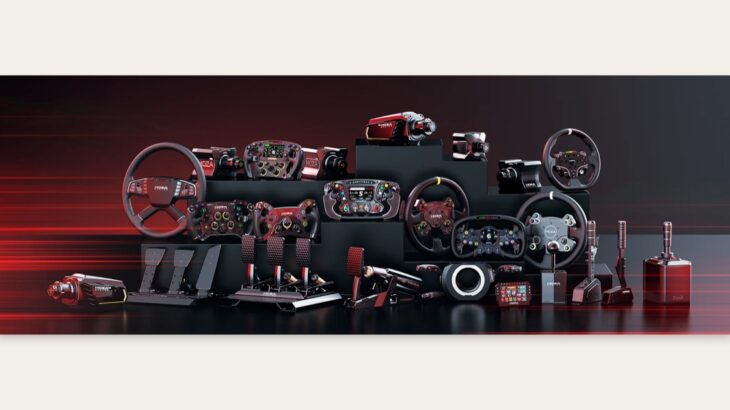
In short, the MOZA R16 remains a compelling value-focused 16 N·m direct-drive wheel base, even after the arrival of its successor, the R21 (21 N·m), as one of MOZA Racing’s established high-end models. As a DD wheel base that delivers MOZA’s commercial-grade build quality with 16 N·m of torque, it has a proven track record in high-end setups including triple screens and 8-axis motion. Based on my hands-on experience, here are the key factors to consider if you are deciding between the R21 and R16 for a new purchase.
My verdict in 30 seconds
Drawing on what I covered across three videos, the MOZA R16 retains its place as the core high-end MOZA wheel base that I personally use. Even now that the R21 is available as its successor, I can recommend it to value-conscious sim racers as a 16 N·m DD wheel base that works more than capably in high-end environments such as triple-screen and 8-axis motion rigs.
What is the MOZA R16? The “core” of MOZA’s high-end range
Hi, I’m Picar! For an ultra-realistic simulator experience, I normally use the Moza Racing R16 wheel base together with CRP pedals.
— From Picar Channel’s “Which offers the best value: the R9 or R16?”
To explore the wider range, also see my MOZA R12 review: A true evolution of the R9—realistic feel even with a light steering wheel via the KS Steering Wheel and MOZA R21 review: Can MOZA’s 21 N·m flagship DD replicate the rubbery feel of a real car?.
This is the core high-end MOZA wheel base that I personally use. The R21 (21 N·m) has arrived as its successor, but my view is that the R16 (16 N·m) remains highly capable in the real-world range where most people drive.
Used in a 65-inch triple-screen, 8-axis motion setup
For the controls, I use MOZA Racing’s high-performance R16 wheel base and MOZA pedals. The wheel has its own display, but I deliberately removed it here because the main displays show the information. Another centerpiece of this setup is the 8-axis motion simulator. I turned it off during filming to keep the footage stable, but when I used it on my own, I was simply blown away by how realistic the movement felt. The eight axes let you feel the car lean, accelerate, brake, and run over surface imperfections—it genuinely feels like you are driving.
— From Picar Channel’s “Seriously, it feels almost like a real car! 65-inch OLED triple-screen 8-axis motion simulator”
The fact that the R16 serves as a core component in this top-tier sim setup—which I described as “seriously, almost like a real car”—speaks to its quality. A 65-inch triple-screen setup with 8-axis motion, an R16, and CRP pedals is one of the destinations a sim racer can aspire to.
The limits of replicating F1-level steering
Unfortunately, little official data remains on how heavy the steering was in F1 cars of that era. However, there is a paper that lets us estimate it from F3 running data. In the graph excerpted from that paper, the vertical axis shows torque—the force used to turn the wheel—in Newton metres (N·m). It shows that torque at the steering wheel can reach as much as 30 N·m while cornering. But just how heavy is that?
— From Picar Channel’s “What happened when I tried the latest Senna F simulator with heavy steering”
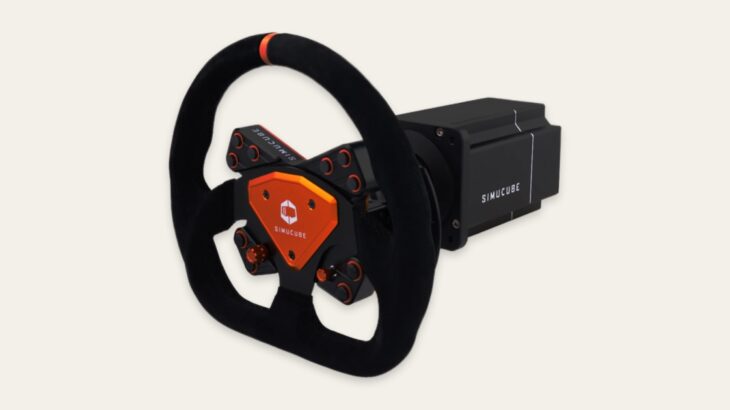
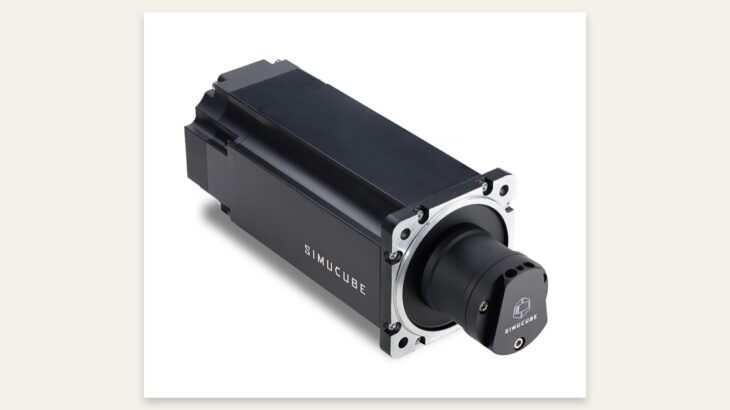
The measured F3 figure of “30 N·m while cornering” is beyond what either the R16 (16 N·m) or R21 (21 N·m) can reproduce in full. It illustrates the upper limit of sim hardware: if you want to fully replicate the heavy steering of F1, F2, or F3 machinery, a Simucube 2 Ultimate (32 N·m) is necessary. The R16 has ample headroom for GT3 and road-car levels, but reaches its ceiling at F3-level loads.
R9 vs. R16: value comparison
I have been getting many questions from viewers asking, “Which MOZA product do you recommend most?” So this time, I want to compare the high-end R16 I use with the R9, which costs less than half as much, and find out which one delivers the best value. I will also compare the CRP and SRP pedals, so I hope this helps you choose your wheel setup.
— From Picar Channel’s “Which offers the best value: the R9 or R16?”
The value comparison between the high-end R16 and the half-price R9 is the most important fork in the road for anyone considering MOZA. My take is that the R16 is the serious, commercial-grade option, while the R9 is the entry model that lets you experience the same MOZA design philosophy for half the price.
Who it is—and is not—for
✅ Recommended for
- Anyone who wants to build a MOZA ecosystem around a 16 N·m-class DD wheel base
- Anyone who wants to replicate my R16 + CRP pedal setup
- Mid-to-high-end buyers for whom the R21 (21 N·m) is beyond budget but the half-price R9 is not enough
- Sim racers building high-end setups with triple screens, motion simulation, and more
❌ Not recommended for
- Anyone buying new who wants the newest and most powerful option → R21 (21 N·m)
- Anyone pursuing a full F3/F2-level steering replication → Simucube 2 Ultimate (32 N·m)
- Anyone whose main platform is the PC version of Forza Motorsport → MOZA has compatibility issues
- Anyone looking for an officially PS5-compatible DD wheel base → Fanatec DD Pro / DD Extreme
Related videos
- Seriously, it feels almost like a real car! 65-inch triple-screen 8-axis motion simulator
- What happened when I tried the latest Senna F simulator with heavy steering
- Which offers the best value: the R9 or R16?
FAQ
Q1. Should I choose the R16 or R21?
A. If you are buying new and your budget allows it, choose the R21—the latest model with 21 N·m. The R16 is for people who already own one, or who consider its value proposition more than sufficient. Both belong to MOZA’s high-end lineage that I rate highly.
Q2. How does it differ from the R9?
A. The R16 peaks at 16 N·m, while the R9 is a mid-range model costing roughly half as much. The R9 is the value pick; the R16 is the choice if you want commercial-grade quality.
Q3. Can it replicate an F1 car?
A. F3-level steering requires “30 N·m while cornering,” while the R16 produces 16 N·m, so it cannot reproduce that fully. If GT3 or road-car levels are enough for you, the R16 is not a problem.